> ## Documentation Index
> Fetch the complete documentation index at: https://docs.alerty.ai/llms.txt
> Use this file to discover all available pages before exploring further.
# Stripe
> Monitor your Stripe account and receive alerts for important account events
## What is Stripe Monitoring?
Stripe monitoring is a feature that allows you to track your Stripe account and receive alerts for important account events.
## Setting up Stripe Monitoring
To monitor AWS RDS databases, you'll need to provide some information:
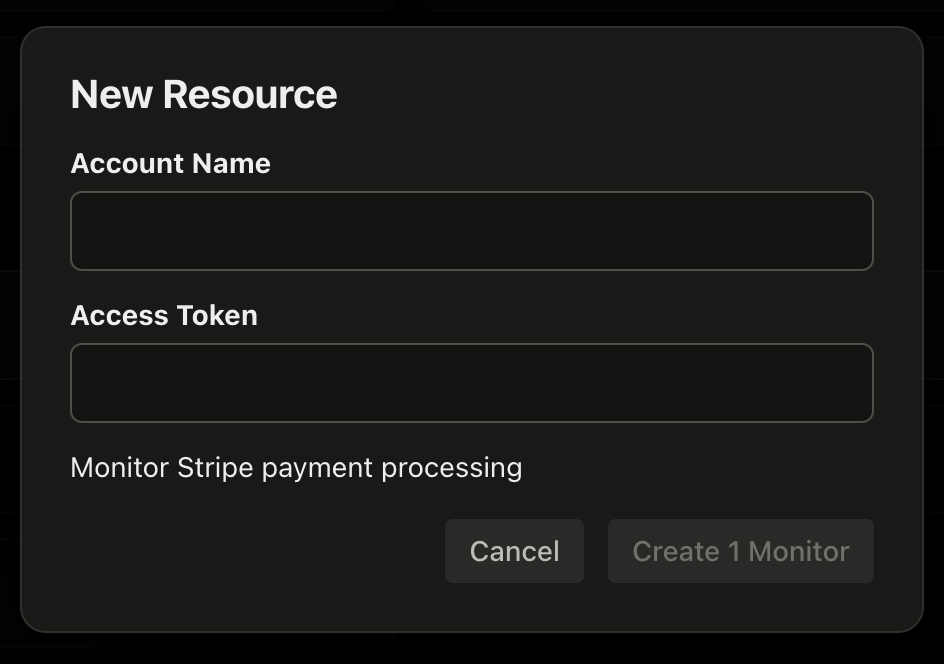
1. **Account Name**: A friendly name for your Stripe account (can be anything you like).
2. **Access Key**: Your Stripe access key.
### Creating a Restricted Access Key with Read-Only Permissions
We recommend creating a Restricted Access Key with read-only permissions to your Stripe Account. Here's how to do it:
1. Generate a [restricted API key](https://dashboard.stripe.com/apikeys/create?name=Alerty)
2. Select "Read Only" permissions
3. Copy the API key and paste it into Alerty when prompted.
## Creating a Stripe Monitor
After you have your Account Name and Restricted Stripe API Key, you can create a new Stripe monitor in Alerty:
1. Visit the [Alerty dashboard](https://app.alerty.ai)
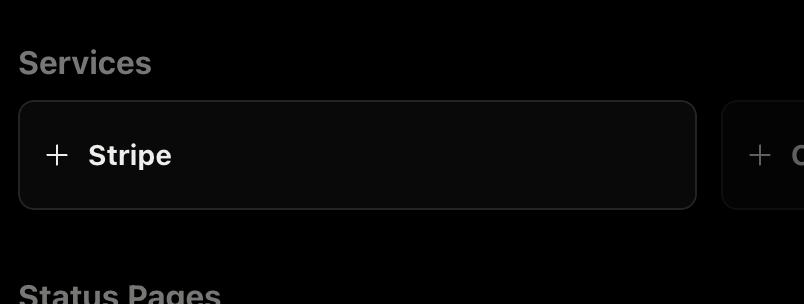
2. Click on "+ Stripe" to add a new Stripe monitor
 3. Enter your Account Name and Restricted Stripe API Key and click "Create Monitor"
 4. Alerty will begin monitoring your Stripe account!
If your account has any important events, you will receive an alert.
4. Alerty will begin monitoring your Stripe account!
If your account has any important events, you will receive an alert.